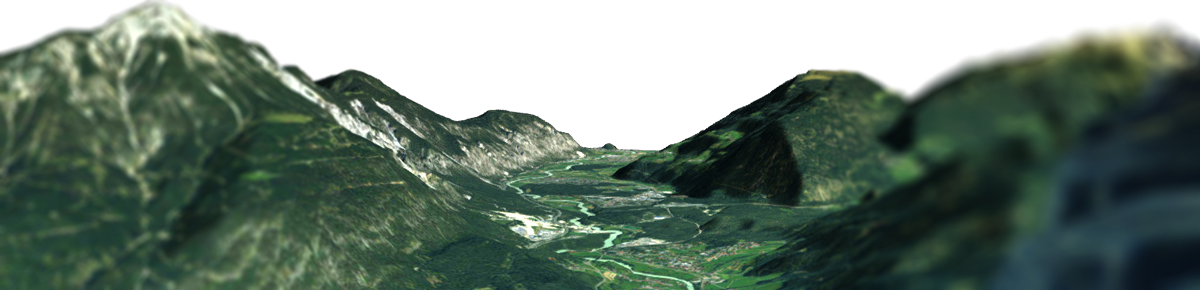

Seamlessly bridge the gap between our 3D Map Generator and your website. Our free WordPress plugin empowers beginners and experienced web designers alike to upload, manage, and publish interactive 3D terrain models without writing a single line of code. Simply upload your exported Embed Set (ZIP), and the plugin handles the rest. Your maps retain all the lighting, angles, and custom POIs you defined in the web editor, but you gain the flexibility to fine-tune the final viewer dimensions, skyboxes, and popup content directly from your WordPress dashboard.
On Your Website In Minutes
1. Create & Export
Build your custom 3D terrain and download the standalone Embed Set (ZIP) file.
2. Upload & Manage
Upload the ZIP directly into your WordPress dashboard and tweak live settings.
3. Paste & Embed
Copy the generated shortcode and place your map seamlessly on any page or post.
Plugin Features

- Upload standalone Embed Sets (ZIP) with one click
- Generate easy-to-use shortcodes for pages, posts, or page builders
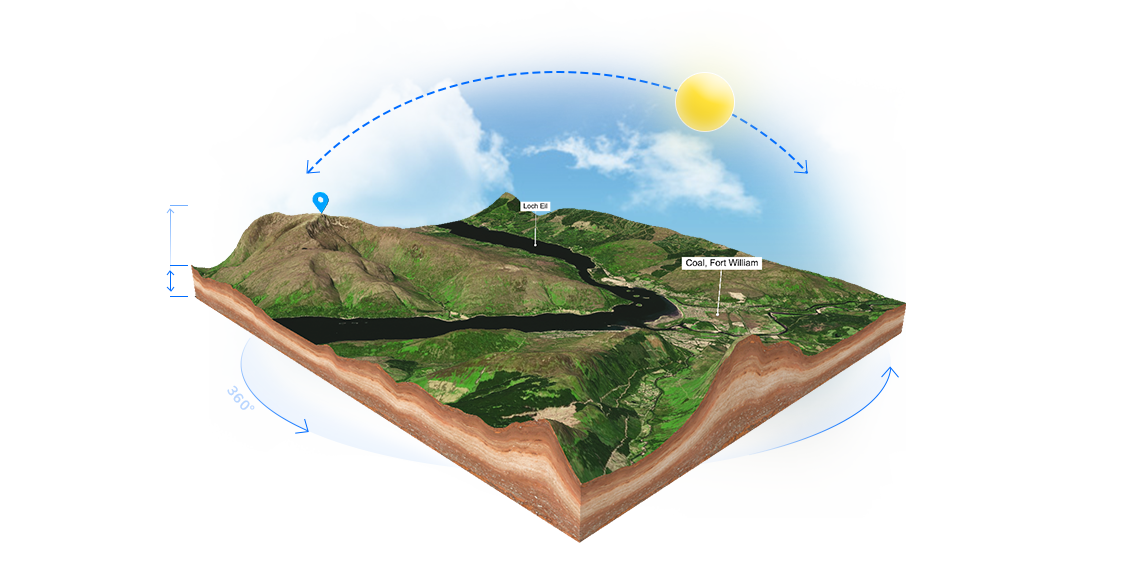
- Live-edit map height, lighting, rotation, and viewer dimensions
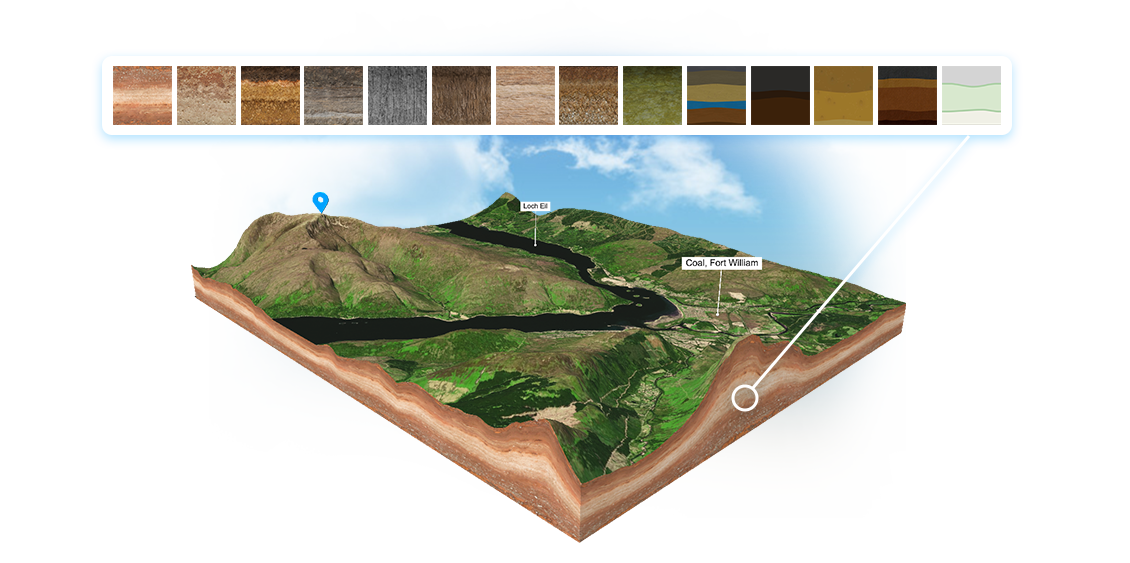
- Customize popup texts, images, and links natively in WordPress
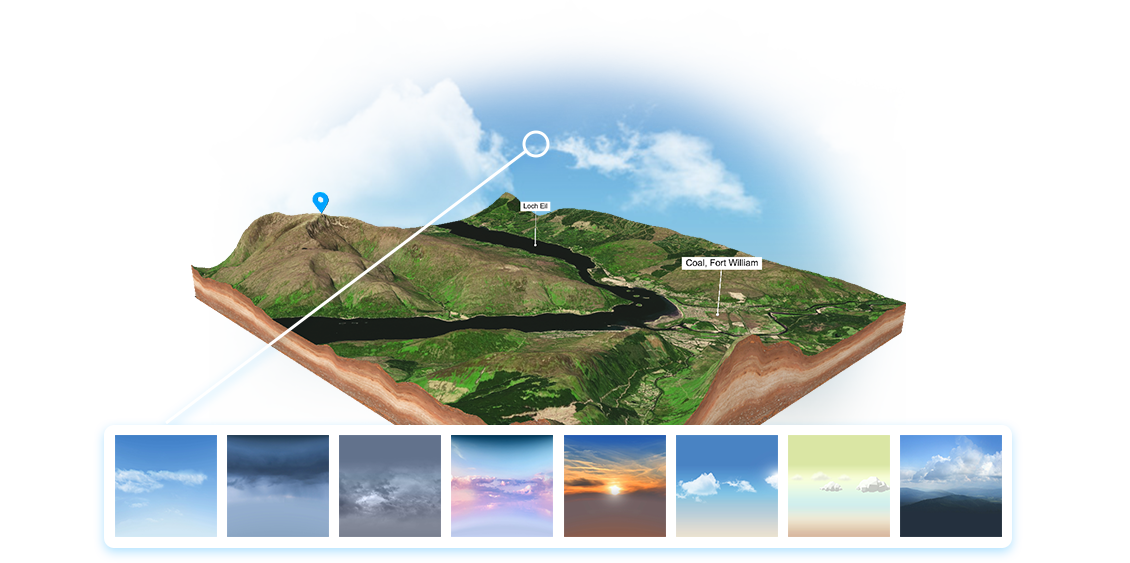
- Swap skyboxes or enable transparent backgrounds
- Toggle auto-rotation, scroll-zoom locking, and interaction hints
- Fully responsive WebGL viewer optimized for all devices
- No external API calls required—your 3D map data is 100% self-hosted
How the 3D Map WordPress Plugin Works
Integrating complex WebGL and 3D topographies into WordPress used to be a technical headache involving FTP uploads and external iframes. With our free 3D Map WordPress Plugin, the process is now effortless and fully self-contained.
After designing your landscape in our browser editor, simply export the project as an Embed Set (ZIP). Inside your WordPress backend, use our plugin to upload this ZIP file with a single click. The plugin automatically extracts the GLB models, markers, and configuration files, storing them securely in your own media library. This guarantees true No Vendor Lock-in—your interactive maps run entirely on your server, ensuring ultra-fast loading times and strict data privacy.
Once uploaded, the plugin acts as your central command hub. You can generate a simple shortcode to drop the interactive viewer into any standard text block, Gutenberg element, Elementor, or other page builders. It makes adding 3D terrain to travel blogs, event pages, or real estate listings as easy as embedding a YouTube video.
Even after embedding, you retain full creative control without touching code. Use the native WordPress editor to tweak the light intensity, swap background colors, update POI popup content, or lock the zoom to prevent unwanted page scrolling. Keep your 3D maps perfectly adapted to your website’s design at all times.