

Free 3D Map Integration
for Blender 4.0 and newer
Bring your generated 3D maps to life in Blender—no prior 3D experience required.
After exporting your terrain from our web app, simply install this free add-on to seamlessly load your models. We’ve included a quick-start tutorial so you can bypass the learning curve and instantly achieve photorealistic results.
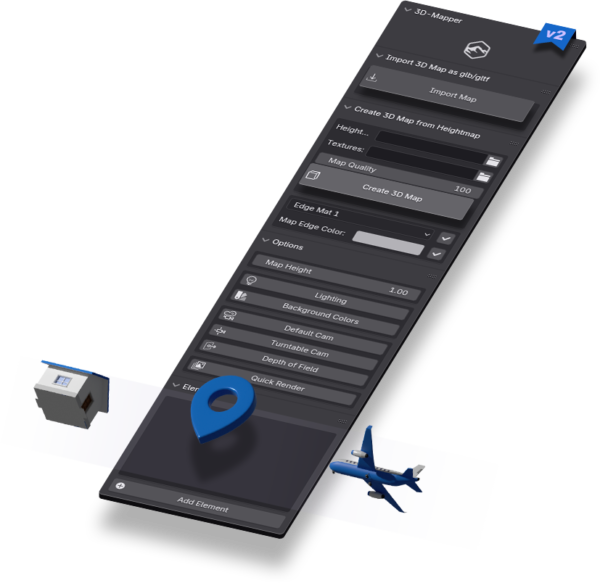
- One-click glTF, GLB & OBJ import
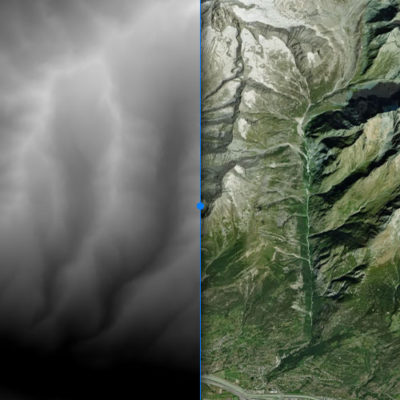
- Generate terrain from custom heightmaps
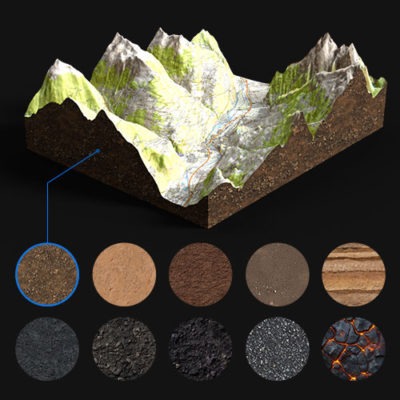
- 10 unique side-edge materials
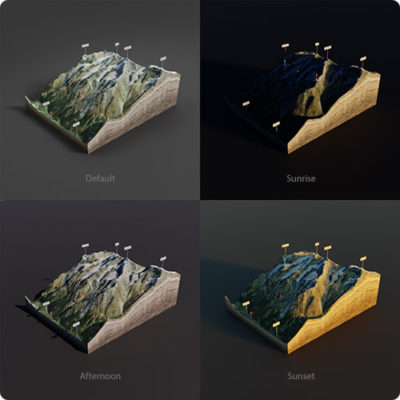
- 4 professional lighting setups
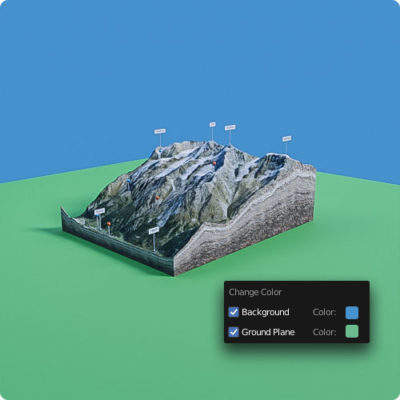
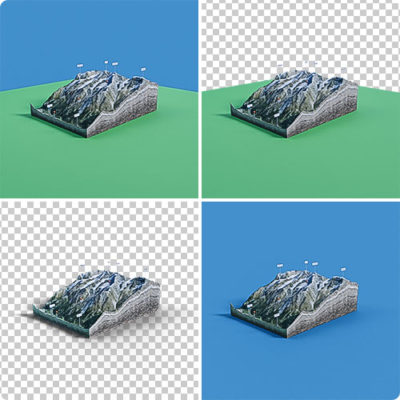
- Customizable background environments
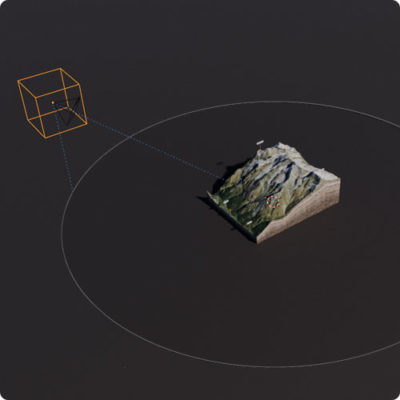
- Intuitive camera controls
- Automated turntable animations
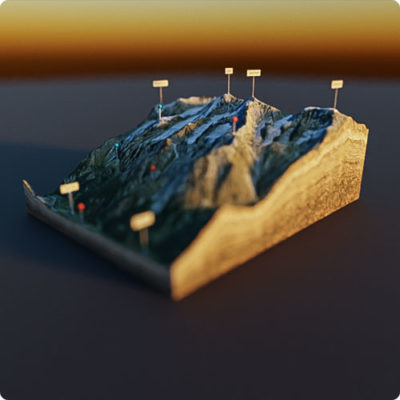
- Adjustable depth of field
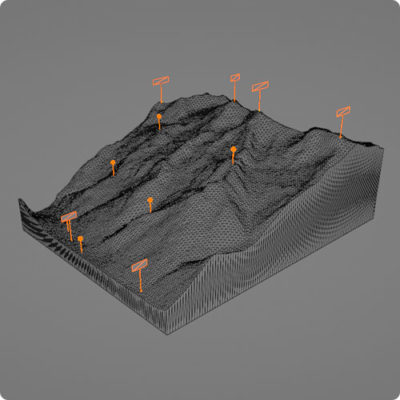
- 16 customizable 3D markers
- Ready-to-use render presets
3 Steps To A Photorealistic Render
1. Generate & Export
Build your 3D map and download it as a GLB, OBJ, or high-res heightmap-texture set.
2. 1-Click Import
Use our dedicated plugin to instantly load your map data right into Blender.
3. Render & Animate
Hit render to create stunning, high-quality images or cinematic videos.
Life After Photoshop 3D

When Adobe discontinued all 3D features in Photoshop, the classic workflow for our legacy plugins came to a halt. We needed a powerful, future-proof alternative. Enter Blender: a completely free, open-source 3D powerhouse.
While Blender’s interface can feel intimidating for beginners used to standard 2D design tools, its rendering capabilities absolutely blow Photoshop out of the water.
To bridge that gap, we developed this custom add-on. It acts as your shortcut, bypassing the steep learning curve and allowing you to light, animate, and render your topographies in minutes.
When Adobe discontinued all 3D features in Photoshop, the classic workflow for our legacy plugins came to a halt. We needed a powerful, future-proof alternative. Enter Blender: a completely free, open-source 3D powerhouse.
While Blender’s interface can feel intimidating for beginners used to standard 2D design tools, its rendering capabilities absolutely blow Photoshop out of the water.
To bridge that gap, we developed this custom add-on. It acts as your shortcut, bypassing the steep learning curve and allowing you to light, animate, and render your topographies in minutes.